
Your CRM contacts: lists, tags, and fields
Every lead and customer lives in Contacts — the free GoHighLevel CRM that comes with YG3. It’s the system of record the rest of your marketing reads from, so getting it organized pays off everywhere else.
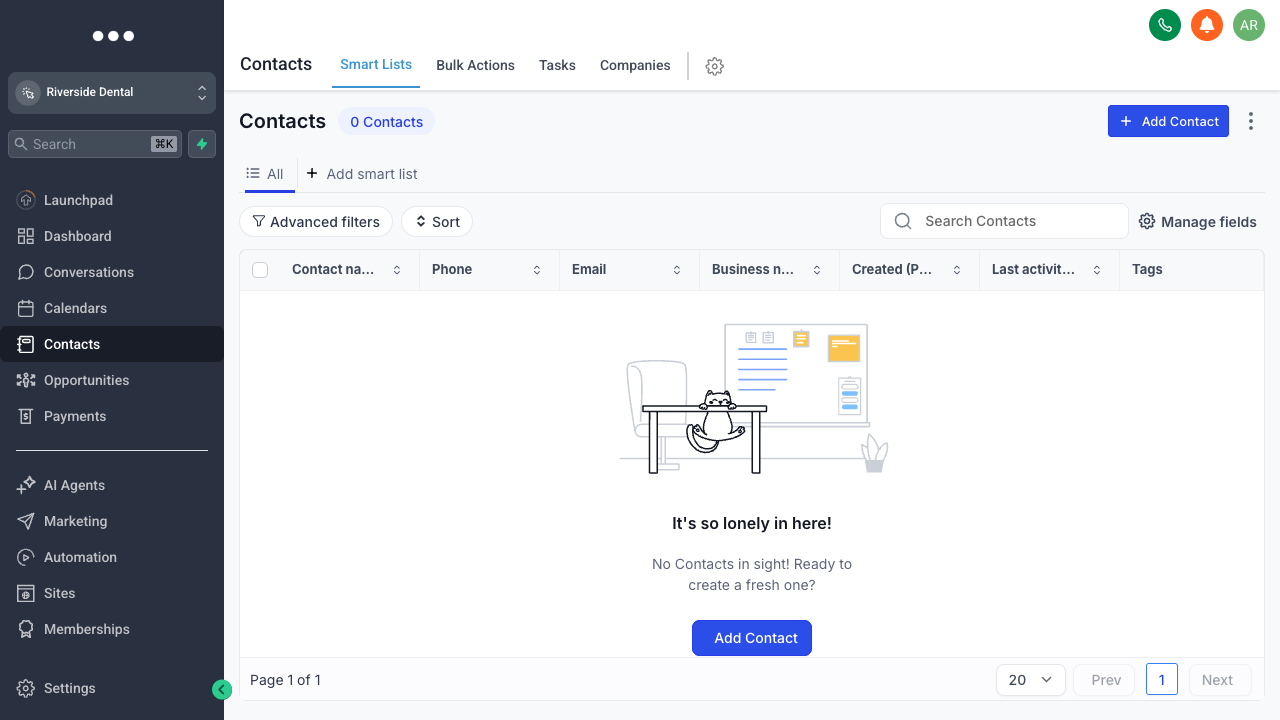
Contacts → Smart Lists: your full database, with filters, tags, and fields.
Add or import
Add a single contact with Add Contact, or bring in a whole list with a CSV import — map the columns to fields and GoHighLevel creates or updates each record. Leads captured by your forms, funnels, and outbound also flow in here automatically.
Organize with tags and custom fields
Tags are quick labels — source, interest, status — that you can filter and automate on. Custom fields hold structured data specific to your business. Together they turn a flat list into something you can segment precisely.
Segment with Smart Lists
Use Advanced Filters to narrow to exactly the contacts you want — say, everyone tagged “trial” with no appointment booked — then save it as a Smart List. Smart Lists are live: contacts move in and out as they meet the criteria, so your segments stay current without manual upkeep.