Workflows: automate your follow-up
Workflows are the automation engine of your GoHighLevel CRM. The pattern is simple: a trigger starts it, and a sequence of actions runs on its own. It’s how the follow-up you’d do by hand — if you had the time — happens for every lead, every time.
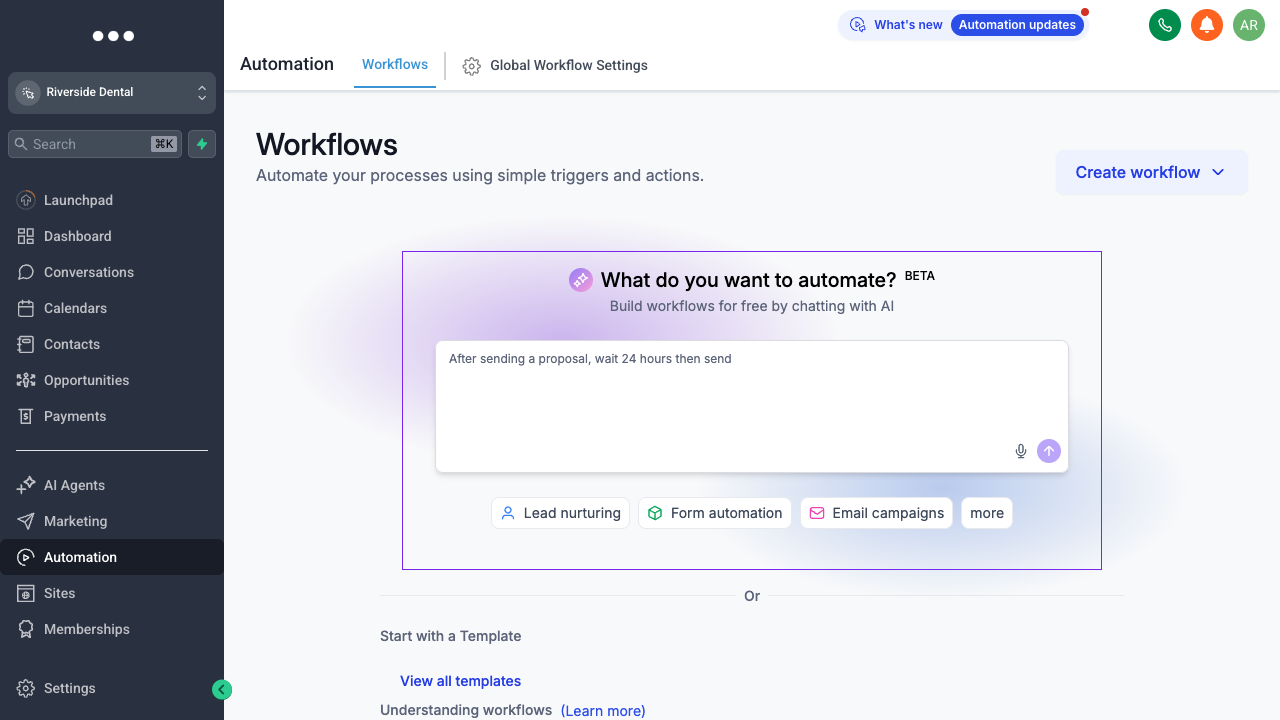
Automation → Workflows: triggers on the left, actions in sequence.
Start with a trigger
A trigger is the event that kicks things off: a new contact, a form submission, an appointment booked, a tag added, a pipeline stage change. Pick the moment you want the machine to take over.
Chain the actions
Then add steps in order — send a text, wait an hour, send an email, add a tag, move the deal a stage, notify your team. Wait steps and if/else branches let the sequence behave differently depending on what the contact does (replied? booked? went quiet?).
Publish and let it run
Turn it on and it runs for every contact that hits the trigger, around the clock. Common first workflows: instant speed-to-lead reply to new inquiries, an appointment reminder sequence to cut no-shows, and a long-term nurture for leads that aren’t ready yet. Start with one, get it working, then build from there.