
Channel deep-dive: Paid ads (the Bid Map)
The Paid ads channel makes a Google Ads account legible and operable from one board. Instead of digging through the Google Ads UI, you read a map of the demand and act on it in a click.
The Bid Map
The Bid Map is the channel’s home. Think of it as a battleship board: the searches people actually run (the demand) on one axis, your ad-group lanes on the other, each cell marked for what’s happening there. Winning searches, wasted spend, demand you haven’t claimed yet, and terms you should block all read at a glance. It is built from the client’s real keywords and search terms, not a model’s guess.
It populates once Google Ads is linked. A nightly refresh pulls this client’s keywords and search terms into the board, so an empty board simply means the manager link isn’t connected yet (see setting up the Google Ads link).
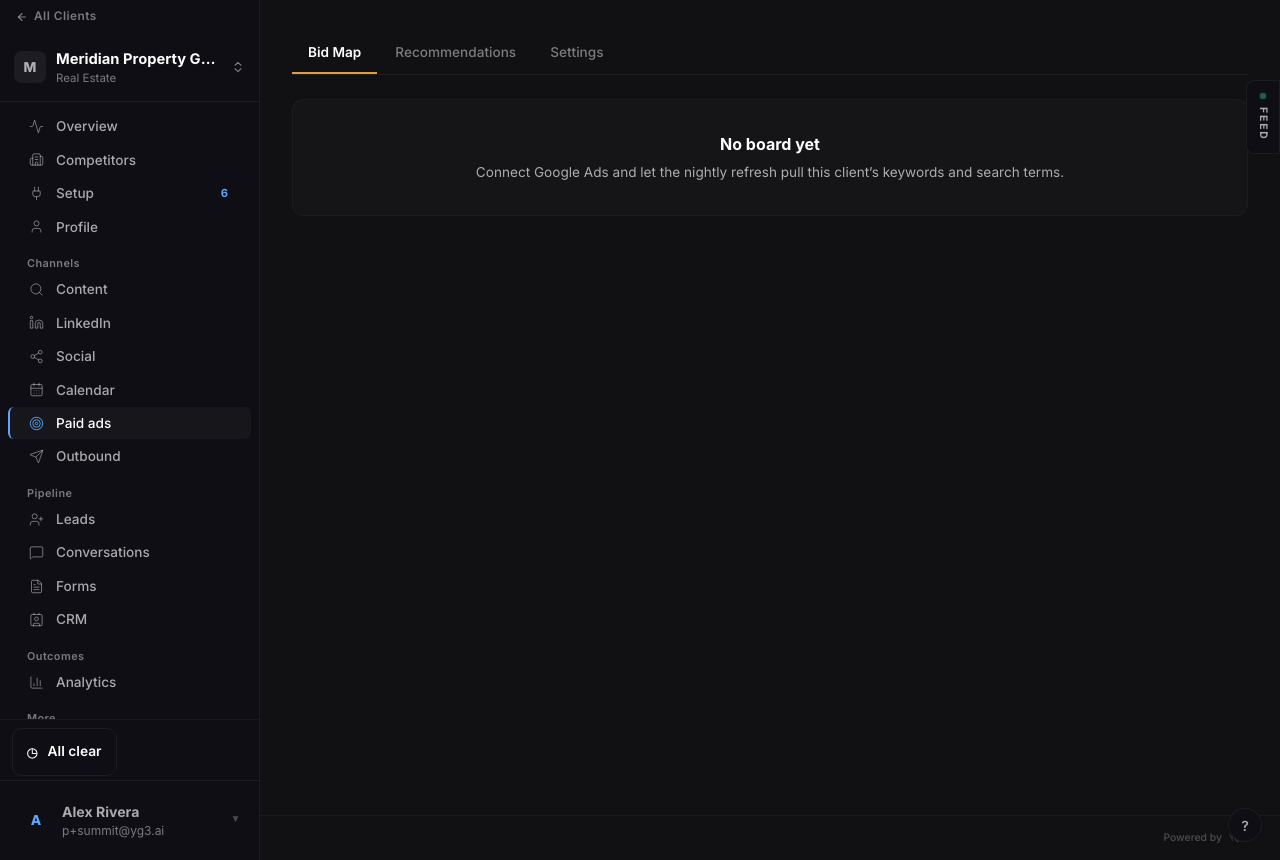
The Bid Map before Google Ads is linked. Once connected, the nightly refresh fills it with the client’s demand and current coverage.
Claim, cut, and block in one click
The board isn’t just a view; it’s where you operate. Claim a piece of unworked demand, cut a keyword that’s burning budget with no return, or block an irrelevant search term, each in a single action. Every change is written straight to Google Ads and logged, so the board stays the one place you run the account from and there’s an audit trail of what changed and when.
Conversion-aware bidding
Bidding strategy follows the data. With conversion tracking live, the channel can run Maximize Conversions or Target CPA so spend chases results, not just clicks. Without it, Google rejects those strategies, so campaigns launch on Maximize Clicks until conversion tracking is confirmed on the Setup page. That is why conversion tracking is part of client setup, not an afterthought.
Recommendations
The Recommendations tab is the queue of suggested moves, pause this keyword, add this converting search term, shift this budget, each with the reasoning. You apply the ones you agree with, and applied changes flow through the same logged path as everything else. It keeps the account improving without you watching it all day.
See also: connecting Google Ads + conversion tracking.