
Channel deep-dive: LinkedIn
The LinkedIn channel runs posting and engagement for each connected profile or page, with a distinct voice per surface. You set the direction per surface; the writer drafts on a cadence and you approve.
Connect surfaces in Accounts
Everything starts in the Accounts tab. Connect the client’s LinkedIn profile and any pages there; each connected surface gives the channel a session to post and automate engagement on. Until a surface is connected, the Strategy tab simply prompts you to add one, which is what an empty channel looks like.
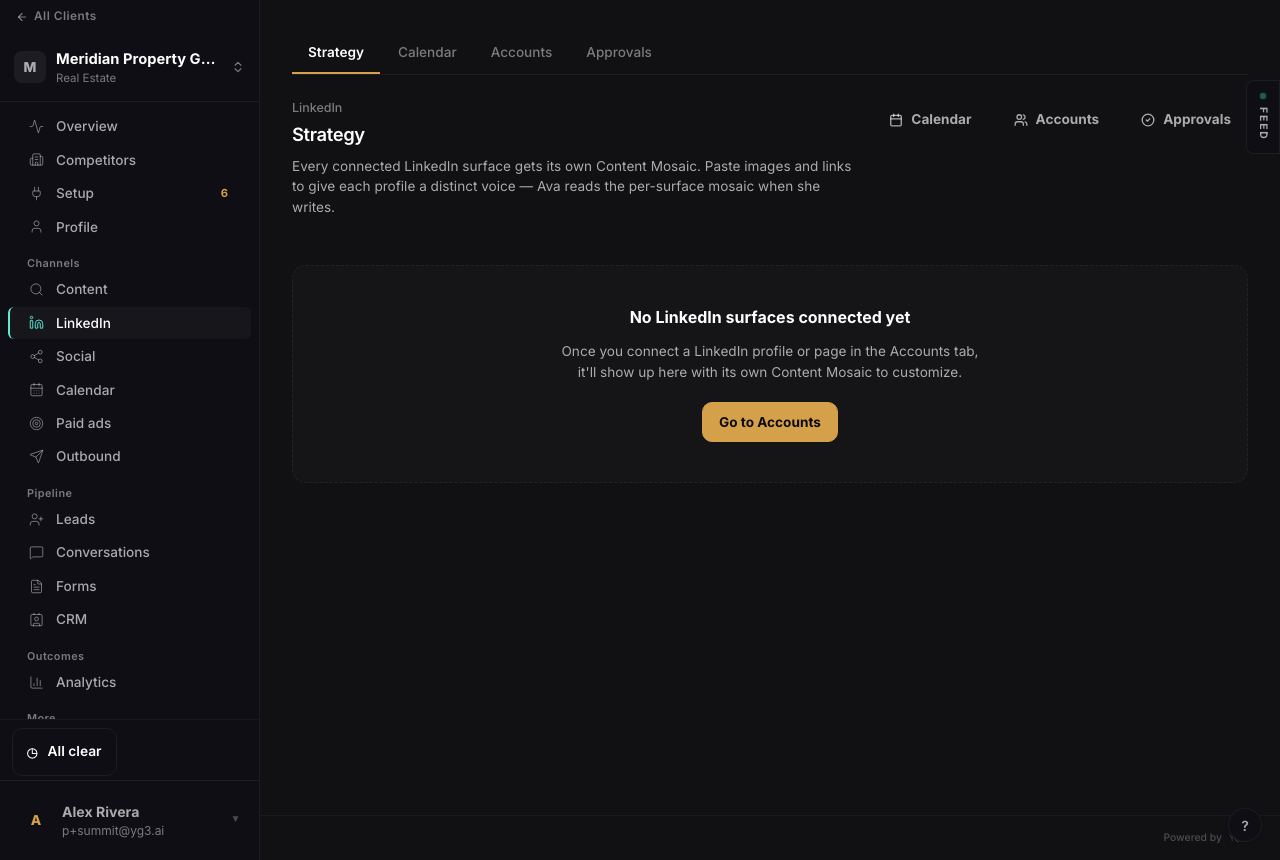
Before a surface is connected. Once a profile or page is added in Accounts, it appears here with its own Content Mosaic.
A Mosaic per surface
Each connected surface gets its own Content Mosaic. Paste images and links to give that profile a distinct voice, and the writer reads the per-surface Mosaic when it drafts for it. A founder’s personal profile and the company page can sound like different people because they have different Mosaics. If a surface has no Mosaic of its own, the writer falls back to the company’s brand brief.
The writer
Posts are written to proven shapes. The channel works from a library of hand-curated post structures, pulls in what’s currently being discussed in the client’s industry, and fills the structure in the surface’s voice. The result is timely, on-brand drafts without the multi-step ghostwriting, and the cadence keeps each surface active.
Calendar and approvals
The Calendar is your default view of what’s scheduled across surfaces. Because LinkedIn carries brand risk, the channel holds posts for review by default: drafts land in Approvals, you approve or edit, and only then do they go out. A client who wants it hands-free can opt a surface into autopublish, but review-per-post is the safe default.
Scope stays where you put it
A post is written for the surface you intend, never fanned out across every connected account by default. When you draft for a profile, it stays on that profile unless you say otherwise, so a teammate’s post never lands on the company page by accident.
Related: connecting LinkedIn in setup.