
Calendars and appointment booking
Calendars turns “what time works for you?” into a link. Leads book themselves into slots you actually have open, the appointment lands on the contact, and reminders go out on their own — all inside your free GoHighLevel CRM.
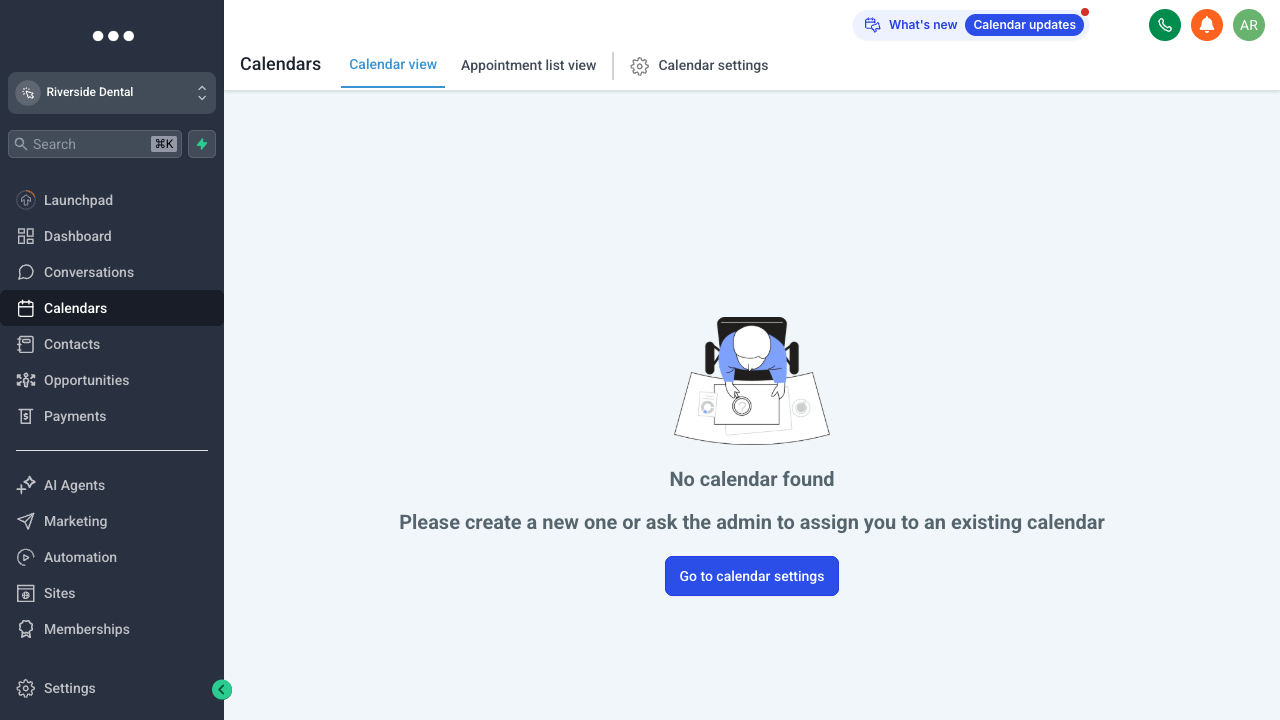
Calendars: booking, availability, and appointments in one place.
Create a calendar
Add a calendar and set the basics: appointment length, which team members it books for, and the confirmation it sends. You can run several calendars — a discovery call, an onboarding slot, a service appointment — each with its own rules.
Set your availability
Define working hours, add buffers between meetings, cap how many bookings a day, and set how far in advance people can grab a slot. The booking page only ever offers times you’re genuinely free.
Share and automate
Share the booking link directly, drop it in an email, or embed it on a funnel page. Every booking is recorded on the contact and can kick off a workflow — confirmation, reminders, and follow-up — so no-shows drop without you lifting a finger.